UV & UV DTF Printers: A Practical Training Guide for Kenya
Learn how to prepare artwork, test surfaces, apply transfers and build reliable operating routines for UV and UV DTF printing in your Kenyan print shop.
UV & UV DTF Printers require different production routines, even when customers want similar branded items. For print shops in Kenya and East Africa, training should cover more than sending artwork to a machine. Operators need to understand surface preparation, material compatibility, print checks and finishing before accepting a production job.
This guide explains how to organise those tasks and what to practise before moving from samples to customer orders.
Understand UV & UV DTF Printers before training
Direct UV printing places ink onto a suitable item or substrate, with UV light curing the ink. UV DTF printing creates a design on a compatible transfer-film system, which is then applied to a suitable surface.
That distinction changes the workflow. Direct printing requires careful positioning and clearance checks at the printer. UV DTF adds film handling and transfer application to the operator’s responsibilities.
UV DTF is also different from garment DTF. Do not assume that T-shirt transfer film, hot-melt powder or heat-press instructions apply to a UV DTF job.
Match practice to the machine
SEAFAR International’s catalogue includes these options:
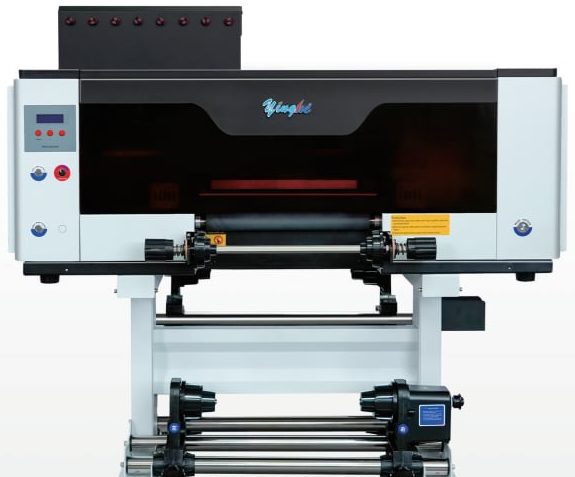
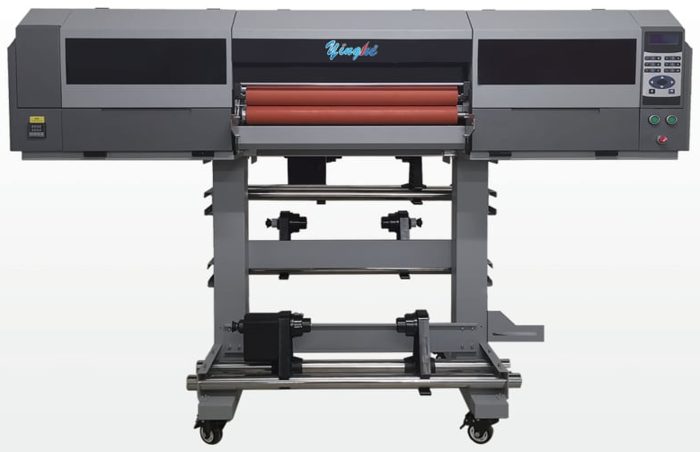
- A3 UV DTF printer: listed with Epson XP600 x3.
- YH-600 UV DTF printer: listed with Epson I3200-U1 x3.
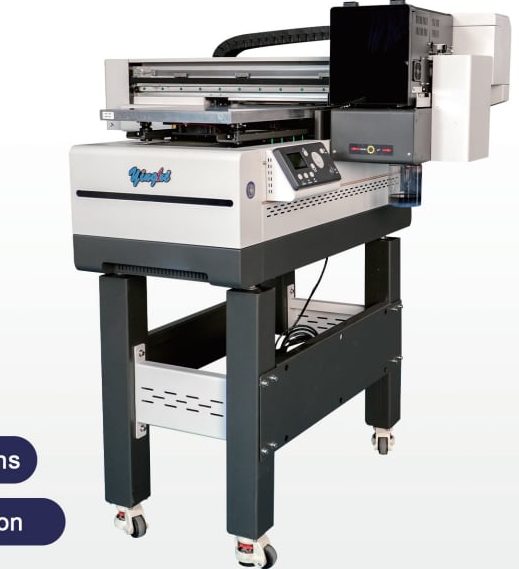
- YH-A3 UV flatbed printer: listed with Epson DX7.
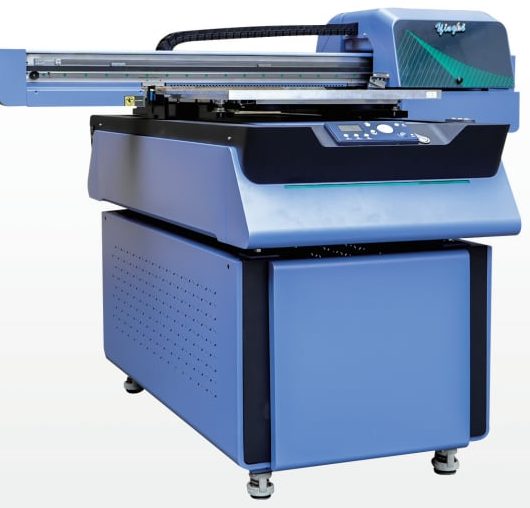
- YH-6090 UV flatbed printer: listed with Epson i3200-U1.
These catalogue details help identify the equipment, but they do not establish suitability for every object or finish. Confirm the intended application, material requirements and machine configuration before choosing a training workflow. Prices are confirmed on WhatsApp.
Prepare a job sheet and approved artwork
Start each practice job with a written brief. Record the item, surface material, design position, artwork size and intended use. An attractive sample is not enough if its placement or finish differs from the customer’s requirements.
Before printing:
- Check spelling, logos and final artwork dimensions.
- Inspect small text and fine lines at the intended output size.
- Confirm any white-ink or other layer settings required by the configured workflow.
- Use the appropriate print profile and settings for the approved materials.
- Save the approved file separately from earlier revisions.
Train staff to repeat a known process before experimenting with settings. Change one variable at a time when investigating a defect, and record the result.
Practise the correct production sequence
For direct UV printing
Inspect the item for dust, grease, uneven areas and coatings that may affect adhesion. Clean it using a method suitable for that surface, then let it dry fully.
Position and secure the item without obstructing moving parts. Follow the machine’s approved procedure for height, clearance and alignment checks. Never assume that a new object can use the previous job’s settings.
Print a sample before the batch. Check placement, detail, curing and adhesion using a test appropriate to the intended use. Keep an approved sample as the reference for subsequent pieces.
For UV DTF transfers
Confirm that the ink and film system are compatible with the printer and with each other. Follow the film supplier’s instructions for printable sides, handling, lamination where required and peeling sequence.
Keep the film and application area clean. Prepare the receiving surface, position the transfer carefully and apply pressure evenly according to the transfer system’s instructions. Remove the carrier as directed, checking that fine details remain attached.
Do not promise suitability for every curved, textured or coated surface. Test the actual item before accepting a batch, and assess cleaning resistance before making durability claims.
Build consumable and maintenance habits
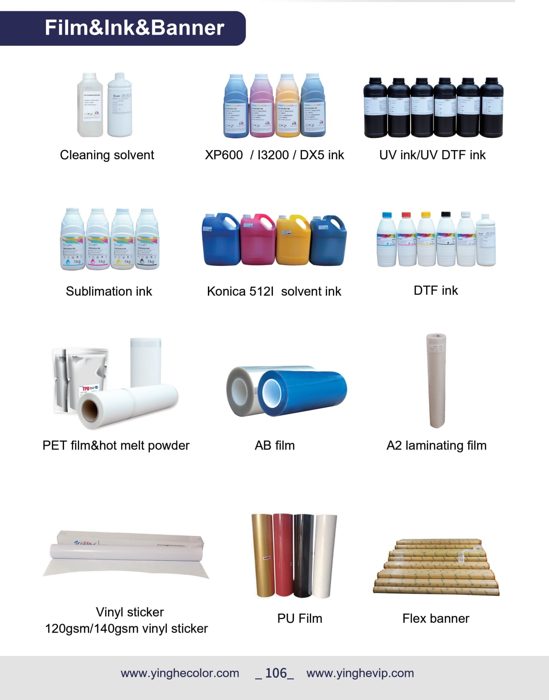
The film, ink and banner catalogue includes UV ink and UV DTF ink. Confirm the correct formulation for your machine rather than treating similarly named inks as interchangeable. For UV DTF AB film enquiries, ask SEAFAR to confirm a compatible option; do not assume ordinary DTF PET film is suitable.
Build these habits into operator training:
- Perform nozzle checks and approved cleaning procedures.
- Keep ink, film and cleaning products clearly labelled.
- Follow equipment instructions and safety data sheets for ventilation, handling and protective equipment.
- Keep guards in place and avoid exposure to UV curing light.
- Record recurring defects and maintenance actions.
Use Technical Support & Maintenance when a problem needs diagnosis rather than repeatedly changing settings without a clear cause.
Next steps
Arrange Machine Operation & Technical Training to help your team run, care for and troubleshoot its equipment. Share your machine model, intended products and sample materials on WhatsApp +254 795 463 928 or email ENQUIRY@SINTL.CO.KE.